



Build your kind of chaos.
Choose upgrades, combine skills, and find the build that gets you through the next wave.
 RESETSURVIVAL
Get the app
RESETSURVIVAL
Get the app
Your limits will reset.
Make the wait legendary.
Track your AI limits, take on a monster horde, and get a reminder when it’s time to get back to creating.
Available on iOS & Android
A little less waiting.
A lot more playing.
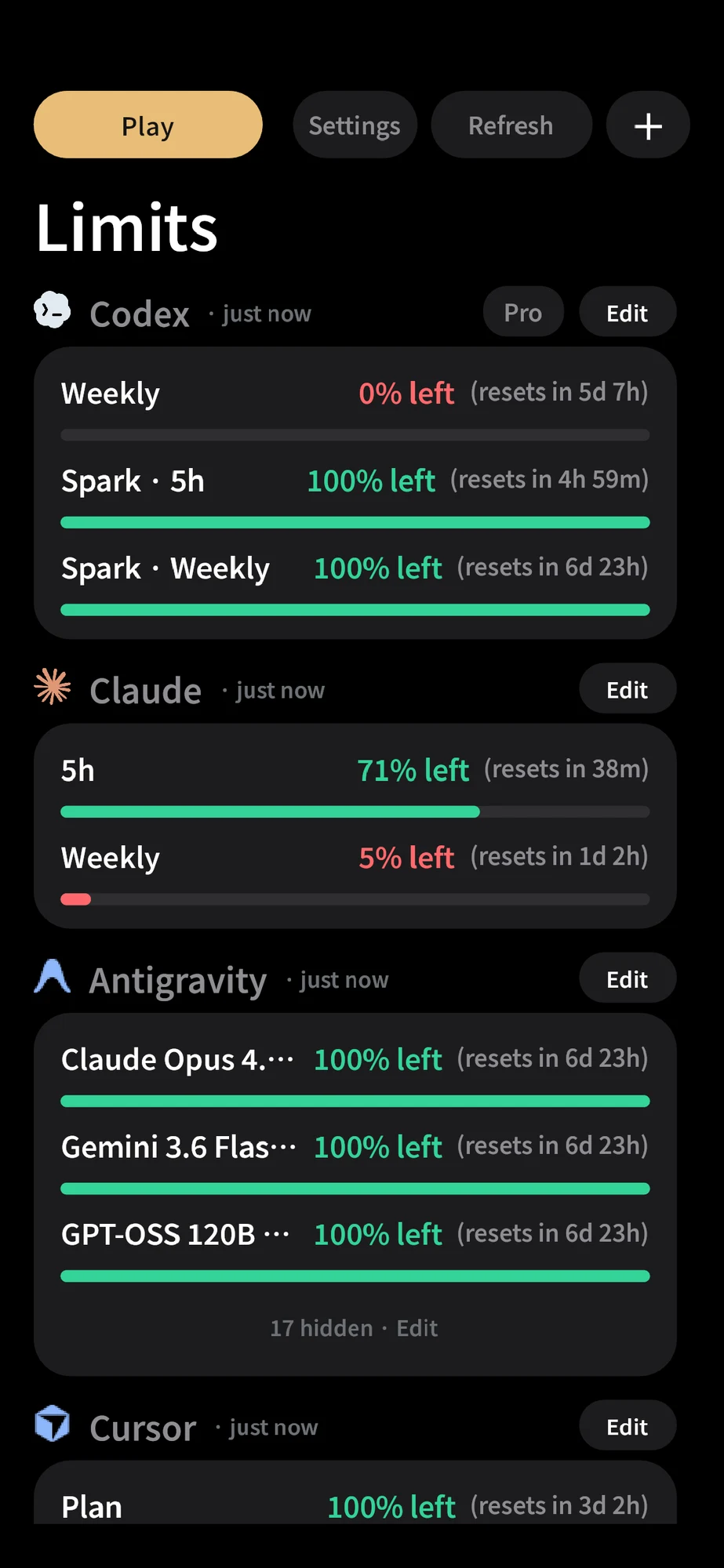
Check your quota and reset time.
Cast big spells. Fight bigger hordes.
Reset time? Back to your next idea.
Why stare at a countdown when you could call down a lightning storm?
Pick a spell. See it happen.Turn the whole battlefield into a thunderstorm. Unleash your ultimate when the horde closes in.
Actual in-game skill captures against fixed targets. Awakened skills shown.
Choose upgrades, combine skills, and find the build that gets you through the next wave.
Go in swinging or let your spells do the talking. Every run is another way to fight.
Collect equipment and strengthen your loadout for the next monster-filled adventure.
One place for the AI tools you create with. See what’s left, know when it resets, and leave the waiting to us.
Remaining usage and reset countdowns, with each service’s available limit windows.
Enable notifications for a reminder around the reset time reported by your provider.
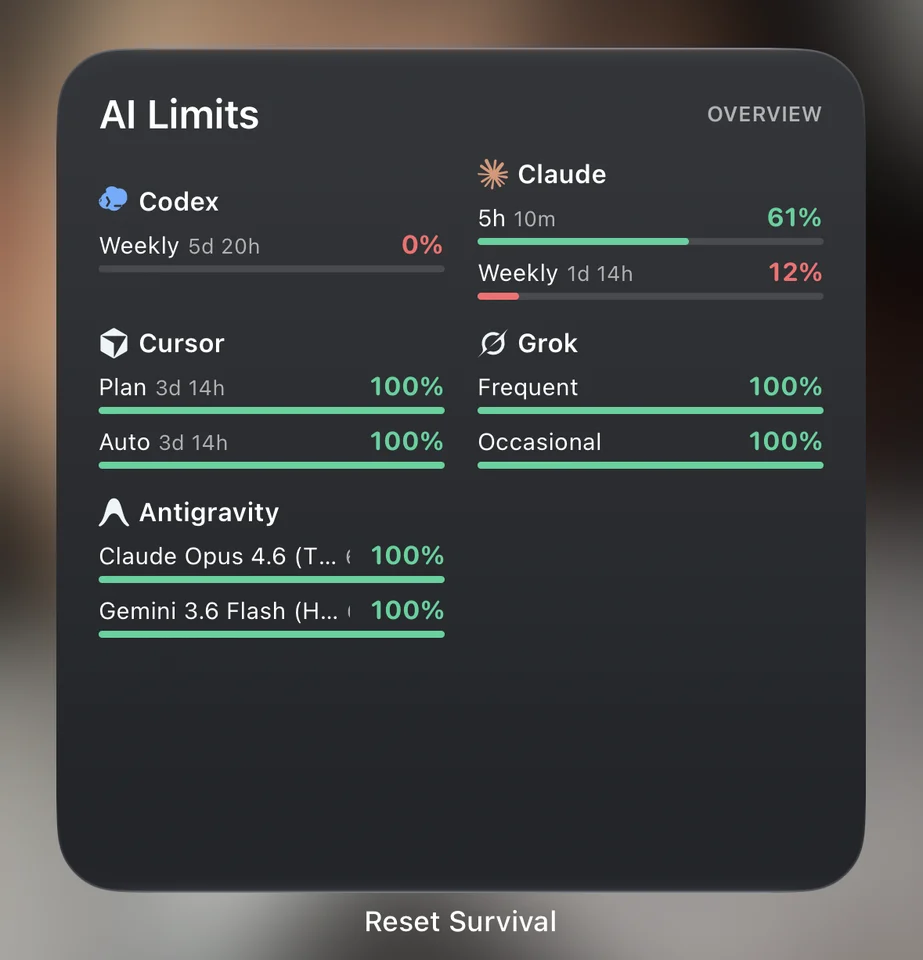
Keep your latest limits close with the AI Limits widget. No need to interrupt your next idea.
Your limit should be available again.
Open the app to
confirm.
Provider connections are optional. Reset Survival is independent and is not endorsed by these providers.
 “Got time for one more?”— Tibo, your gear guy
AI limits and a little monster-slaying.
All in one app. Ready
for your next break.


Available on iOS & Android
No. Jump straight into the game. Connecting AI providers is optional and separate from your game progress.
After connecting a provider, allow notifications in the app. Reminders use the reset times reported by your provider. Delivery timing depends on your device; open AI limits to confirm the latest available quota.
The widget shows the latest available reading. Your operating system controls background updates. Open the app and refresh AI limits for a fresh reading.
Visit our support page for connection help, troubleshooting, and ways to contact us.